Guest contribution by Smarter Outdoors · 6 November 2026
Begin with the ordinary day
A connected home product needs to work when someone simply wants to use it. Before discussing schedules, apps or voice assistants, identify the everyday action: opening a blind, changing the light in a room or adjusting an outdoor space before sitting down.
That action should be understandable to the people who live in the house and to a guest who has never used the system. A dedicated remote or accessible wall control may be the most important part of the experience, even when more elaborate controls are available.
Ask what the system depends on
Motorised operation and smart home integration are separate questions. A motor can be operated by a local control without necessarily supporting a particular app or automation platform. Compatibility needs to be checked for the exact motor, receiver and controller being supplied.
Ask which functions work without the internet, whether a hub or account is required and what happens if a remote is lost. Request a clear explanation of behaviour during a power outage. Do not assume there is a manual override or backup power unless it is specified for that product.
Apply the questions to a real installation
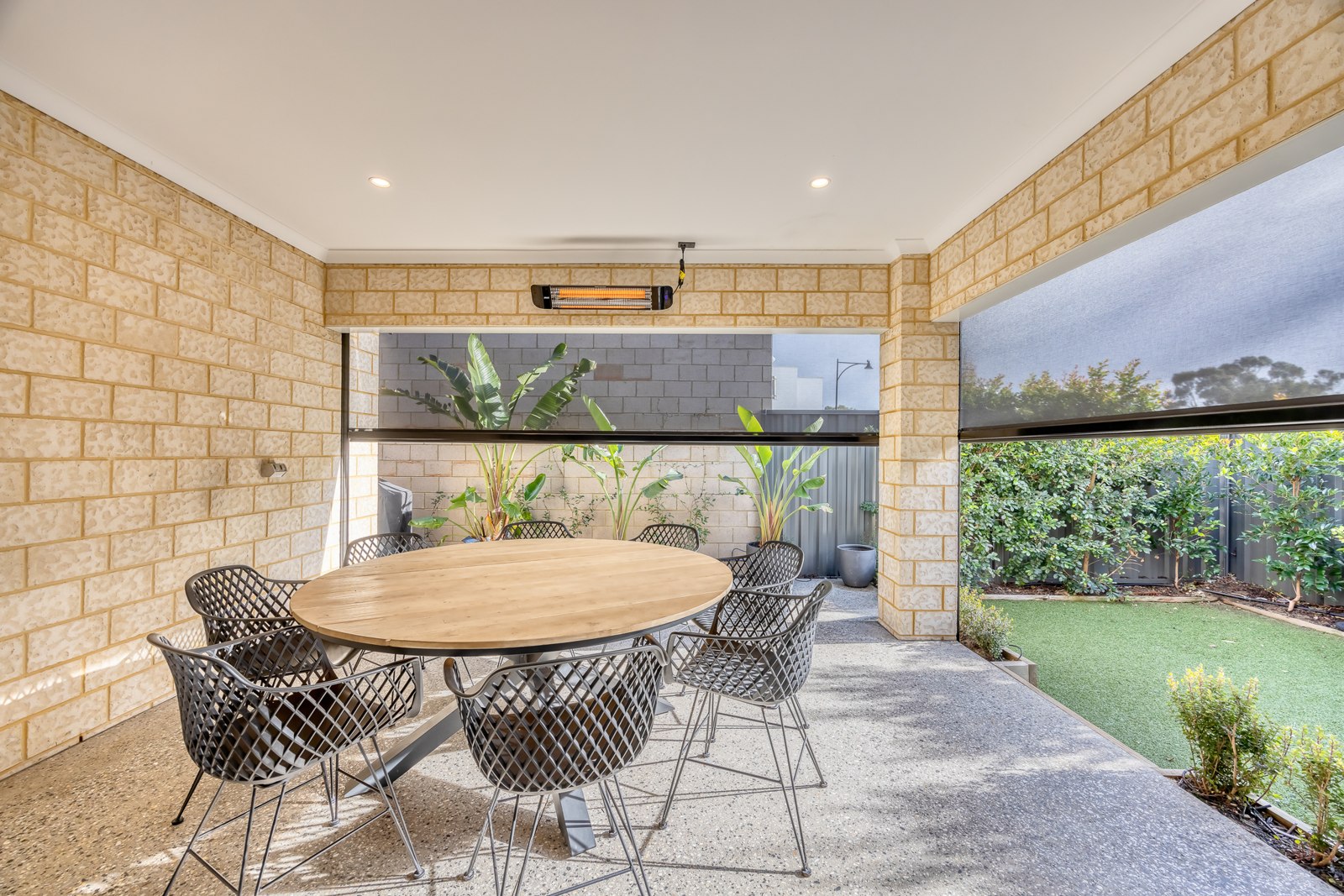
For a Perth alfresco project, electric outdoor blinds from Smarter Outdoors are one product category to investigate. A useful enquiry goes beyond whether a blind is motorised: it asks how each opening is controlled, how groups are configured and what the owner needs to do when weather conditions change.
Automation should stay within the product's operating limits. A timer cannot judge every change around a home, and an outdoor installation still needs attention to exposure, obstructions and the manufacturer's instructions. Ask which protections are included and which require someone to act.
Plan the handover and future maintenance
Keep the product identifiers, control instructions and installer details together. Record how to add a replacement remote and who can service the motor. If an account is involved, make sure the homeowner controls it and understands how access can be changed.
At handover, have another household member demonstrate the basic controls. Test only the normal functions the installer says are appropriate, and ask for clarification where the behaviour is unclear.
The most useful home technology removes an awkward everyday task. Starting with local operation and maintenance makes it easier to judge whether an additional integration offers a real benefit or simply adds another dependency to manage.